
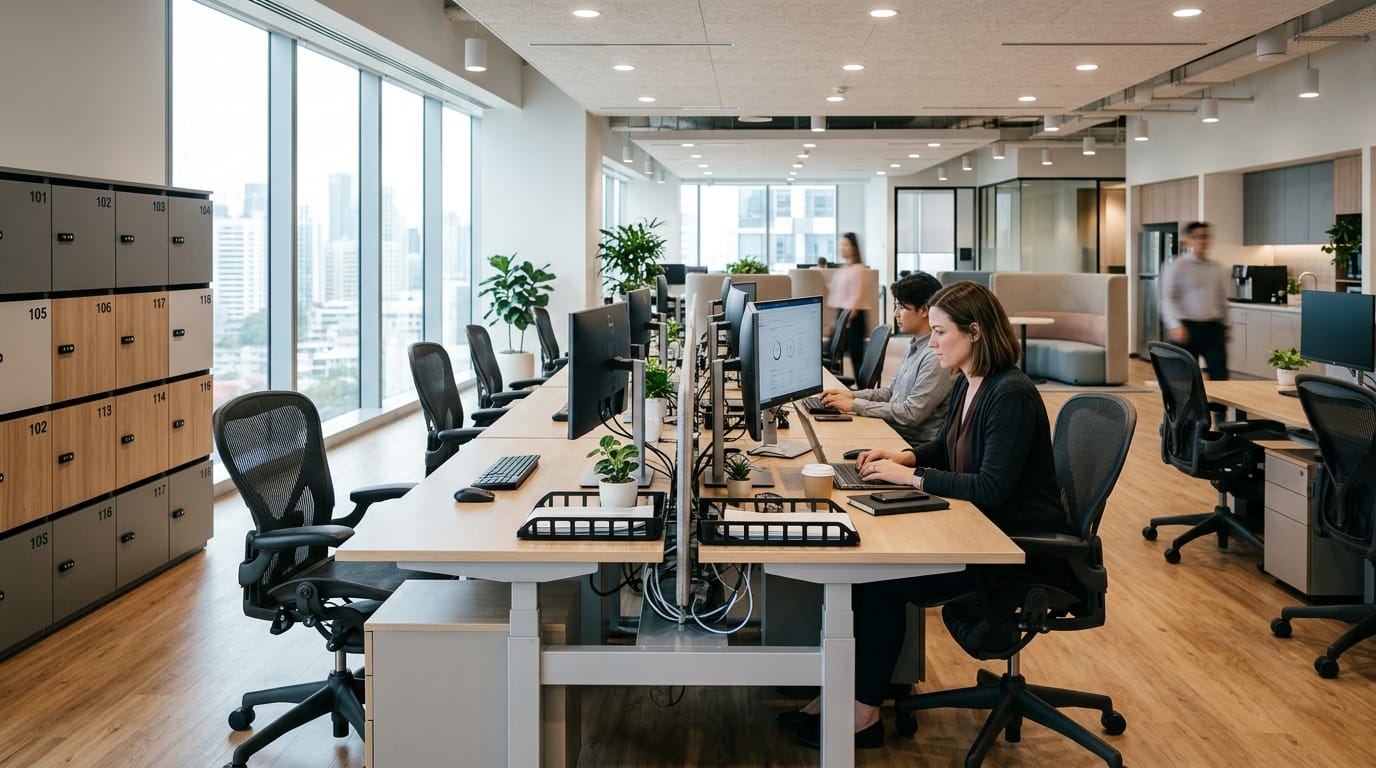
Desk hoteling furniture in 2026 is becoming one of the most practical office furniture trends because hybrid teams no longer use the workplace the same way every day. Some employees come in two or three days a week. Some visit only for meetings. Others need a quick workstation between client calls, project sessions, or team check-ins. A traditional assigned-desk layout can waste space, but a poorly planned shared-desk setup can frustrate everyone.
That is why desk hoteling needs more than empty desks and a booking app. The furniture has to support people who arrive, set up quickly, focus, take calls, store personal items, charge devices, and leave the desk clean for the next user. When this works well, the office feels flexible and professional. When it is done badly, employees feel like guests in their own workplace.
For Compulsive Painball readers, this topic connects naturally with flexible office furniture for hybrid work, modular office furniture in 2026, and plug-and-play power furniture. Desk hoteling is not a separate trend. It is where flexibility, storage, power access, ergonomics, and workplace experience all meet.
Why Desk Hoteling Furniture Is Trending in 2026
Desk hoteling is trending because many offices are trying to support hybrid work without keeping one permanent workstation for every employee. That sounds efficient, but the furniture plan has to be smarter. If employees cannot find a comfortable place to work, store their bag, charge their laptop, adjust their monitor, or take a private call, they will not see the office as useful.
A strong hoteling setup gives employees choice without creating chaos. It lets people reserve a workstation, use shared furniture comfortably, and move between focus areas, meeting rooms, collaboration zones, and quick touchdown spaces. The goal is not just to reduce real estate costs. The goal is to make the office worth using.
Hybrid teams need shared spaces that still feel personal
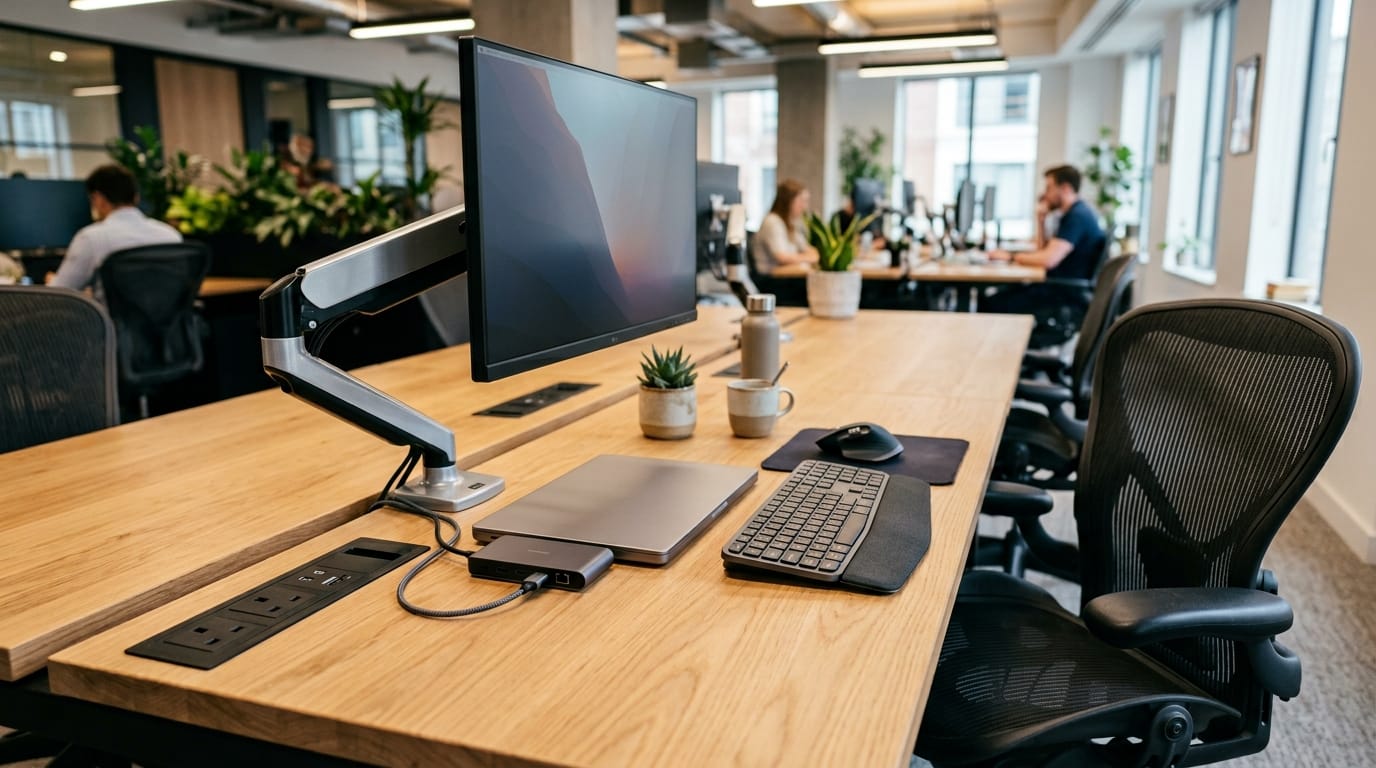
The biggest challenge with shared desks is the loss of personal comfort. Assigned desks usually let employees keep their chair setting, monitor position, keyboard angle, supplies, and small personal items in place. Hoteling removes that convenience. If the furniture does not compensate, every workday starts with friction.
This is why shared desks should be easy to adjust. Chairs should fit different body types. Desks should have enough surface area for laptops, notebooks, and second screens. Monitor arms should move smoothly. Power access should be obvious. Lighting should be comfortable. Employees should not need ten minutes to make a shared desk usable.
The biggest mistake is treating shared desks like spare desks
A hoteling desk is not a spare desk. A spare desk is just an empty workstation. A hoteling desk is designed for repeated use by different people. That means it needs durability, cleanability, adjustability, and clear organization. If the desk looks neglected, has tangled cables, uses an uncomfortable chair, or lacks basic supplies, employees will avoid it.
Businesses should think of hoteling desks as high-traffic furniture. These workstations may be used by multiple people every week, so low-quality chairs, weak cable trays, unstable monitor arms, and cheap surfaces will show problems quickly. Spending slightly more on durable, ergonomic furniture often saves frustration later.
Lockers and personal storage are now part of the desk system
Storage is one of the most overlooked parts of desk hoteling. Employees still bring bags, jackets, chargers, notebooks, headphones, water bottles, and personal items. If there is nowhere to put those things, shared desks become cluttered fast.
Lockers, mobile pedestals, cubbies, coat storage, and secure charging compartments can make hoteling feel more organized. Personal storage also helps employees feel less temporary. Even if they do not have an assigned desk, they still need a dependable place for their essentials. Good storage turns desk hoteling from “find a random seat” into a proper workplace system.
Good hoteling furniture supports focus, calls, and fast setup
Modern office work is rarely one type of work. An employee may write a report, join a video call, review a spreadsheet, brainstorm with a teammate, and answer messages all in the same morning. A hoteling setup should support this variety without forcing everyone into the same workstation style.
Some shared desks should be designed for quiet focus. Others can be touchdown spaces for short laptop tasks. Some should sit near collaboration areas. Others should be close to phone booths or acoustic zones for calls. If every desk is placed in the loudest part of the office, hoteling will fail for people who need concentration.
Shared desks need better power and cable planning
Power access is not optional in hoteling furniture. Employees do not want to crawl under a desk to find an outlet. They do not want to carry extra adapters for every room. They do not want messy cables wrapped around chair legs. Shared desks need visible, reachable, safe charging access.
Built-in power modules, cable trays, desk grommets, clamp-on charging stations, and under-desk cable routing can all help. The key is consistency. If every hoteling desk uses a different setup, employees waste time figuring out how to connect their laptop, monitor, phone, or charger. Your existing article on plug-and-play power furniture is a strong internal resource for this part of the setup.
How to Build a Hoteling Setup That Works Every Day
A good desk hoteling setup starts with real behavior, not furniture catalogs. Watch how people use the office now. Which desks are always full? Which areas stay empty? Where do people take calls? Where do bags pile up? Do cables become messy? Which chairs get complaints? These small observations reveal what the furniture needs to solve.
Businesses should also decide what kind of hoteling they actually need. Some teams need bookable desks for full workdays. Others need touchdown stations for short visits. Some need quiet focus desks. Others need shared project tables. A single furniture solution will not serve every work pattern well.
For broader workplace context, Gallup’s hybrid work research is useful because it shows that remote-capable employees continue to strongly prefer hybrid arrangements. You can review their research here: Gallup Hybrid Work Indicator.
A practical furniture checklist for shared workstations
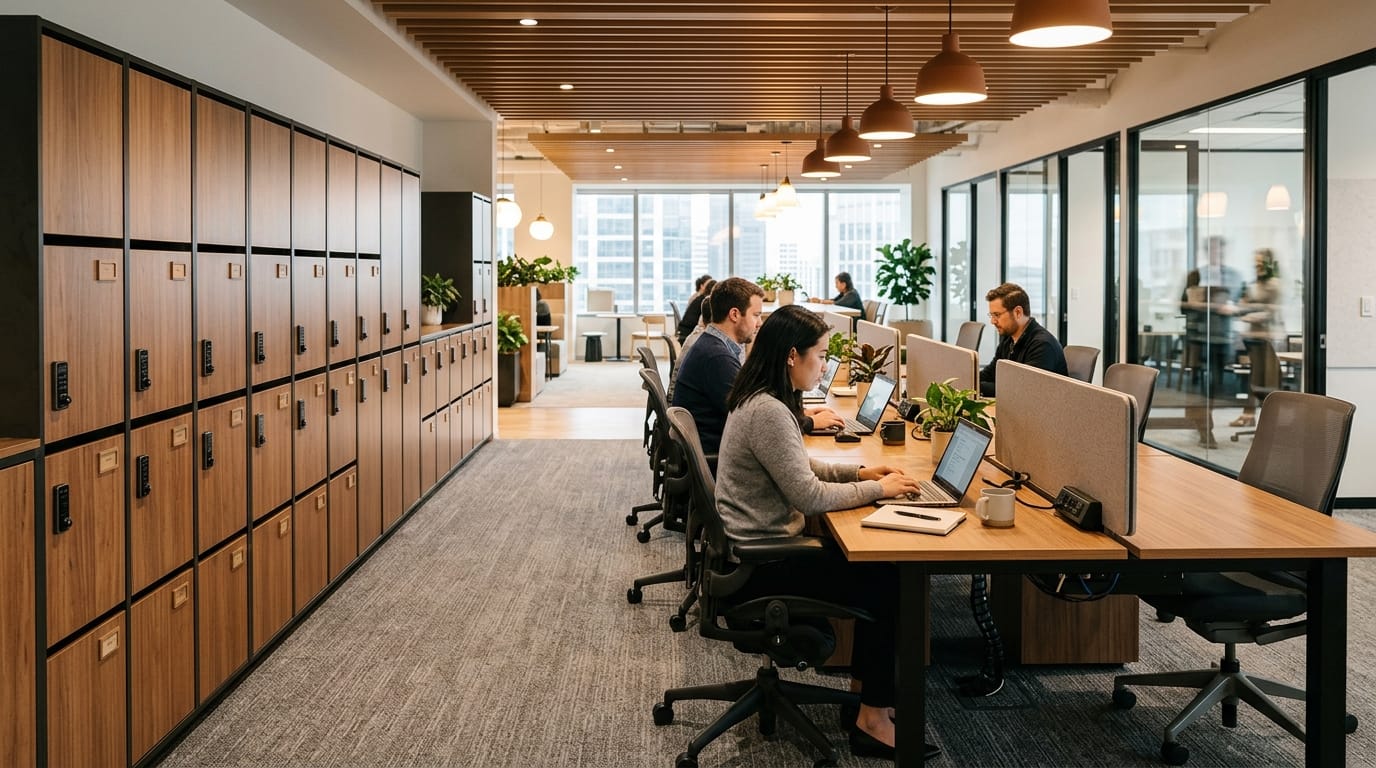
Start with the chair. A hoteling chair should be adjustable, supportive, and easy to reset. Look for seat height adjustment, lumbar support, comfortable padding, stable arms, and smooth movement. If employees sit for long periods, weak seating will quickly become the biggest complaint. For setup support, readers can visit ergonomic office chair setup.
Next, choose desks that are simple, durable, and easy to clean. Sit-stand desks can work well, especially when multiple employees use the same workstation. However, they need proper cable management so power cords and monitor cables move safely with the desk. Shared desks should also have enough depth for comfortable screen distance.
Add monitor arms where possible. They make it easier for different users to adjust screen height and position. Pair them with a standard keyboard, mouse, docking station, and cable plan. If employees have to hunch over laptops all day, the hoteling setup is not truly ergonomic.
Do not forget acoustic planning. A shared desk area beside constant conversations will create frustration. Use acoustic screens, panels, rugs, plants, shelving, or layout buffers to protect focus. For more ideas, connect this topic with acoustic office solutions.
Test the system before buying furniture for the whole office
The smartest approach is to pilot one hoteling zone before rolling it out across the workplace. Create a small shared-desk area with good chairs, clean power access, storage, monitor arms, lighting, and clear rules. Let employees use it for a few weeks. Then ask what works and what still gets in the way.
Testing prevents expensive mistakes. You may discover that employees need more lockers than expected, that monitors are too low, that phone calls are disturbing nearby desks, or that certain touchdown spaces are not being used. It is better to learn this from one zone than after buying furniture for the whole office.
Clear etiquette also matters. Employees should know how to reserve desks, clean the surface, report broken equipment, store personal items, and leave the workstation ready for the next person. Even the best furniture will fail without simple rules.
Desk hoteling furniture in 2026 is not just about reducing assigned desks. It is about building a shared workspace that still feels comfortable, organized, and professional. Hybrid employees need flexibility, but they also need stability. They need a place to plug in, sit comfortably, focus, take calls, and store their belongings without feeling like they are borrowing leftover space.
The best hoteling setups combine ergonomic chairs, adjustable desks, smart storage, power access, acoustic planning, and clear workplace habits. When those pieces work together, shared desks can support modern work instead of making it harder.
In short, desk hoteling works when the furniture respects the employee experience. A flexible office should not feel temporary. It should feel ready.