
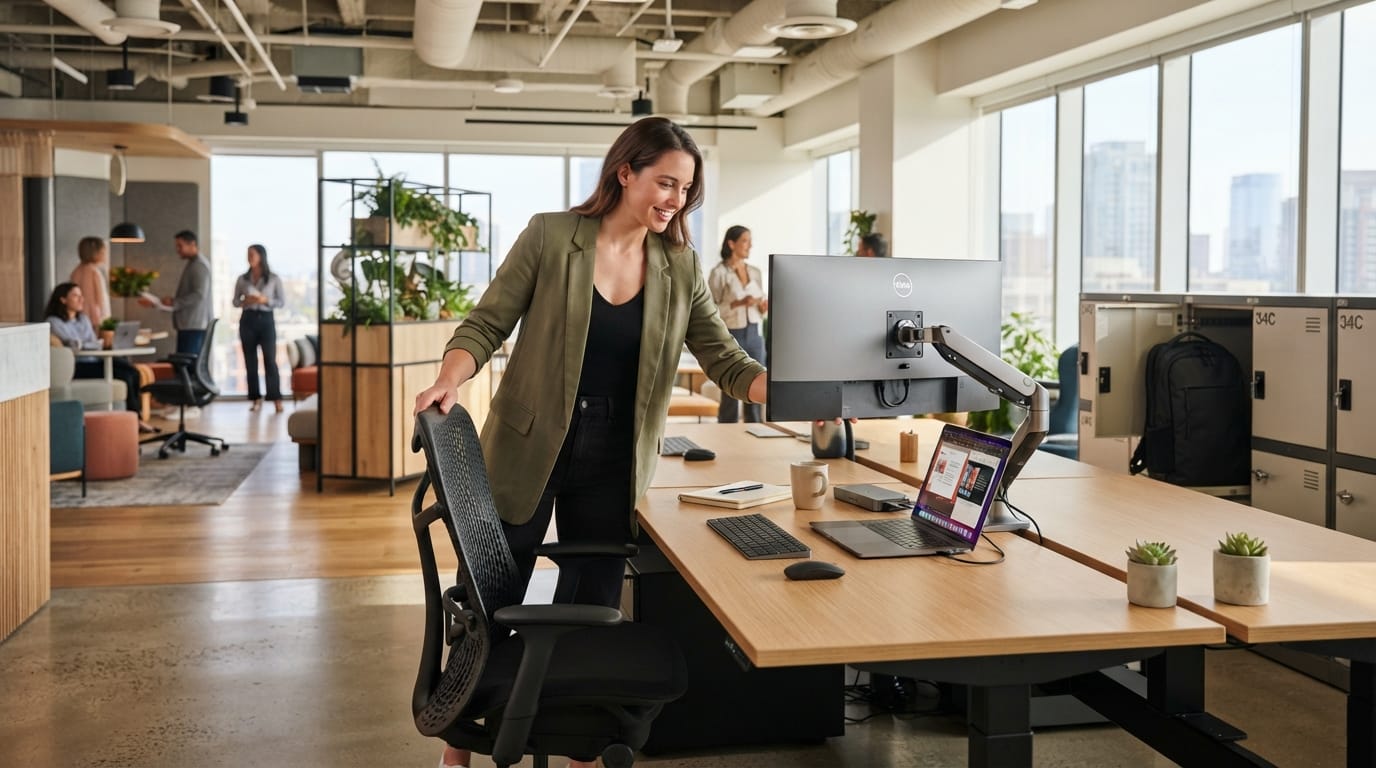
Personalized hot desking is becoming an important office furniture trend in 2026 because shared workstations solve one problem while often creating another. Companies gain flexibility, but employees can lose the comfort and control that came with having their own desk.
A shared workstation may look efficient on a floor plan. In daily use, however, employees still need to adjust the chair, position the monitor, connect a laptop, store personal items, find power, manage lighting, and settle into focused work.
When that setup takes too long, hot desking starts to feel temporary rather than flexible.
New workplace research supports that concern. Gensler’s 2026 Global Workplace Survey found that many employees are changing their workspaces themselves to compensate for problems with ergonomics, privacy, temperature, and other conditions.
The lesson for office planners is simple. Shared desks should not force every employee into exactly the same setup. The best flexible workstations make personalization quick, repeatable, and easy to reset for the next user.
Why Personalized Hot Desking Matters in 2026
Hybrid work has made unassigned seating more common. Instead of giving every employee a permanent workstation, businesses may use bookable desks, neighborhood seating, touchdown stations, or flexible areas that different people use throughout the week.
This approach can reduce unused space. It can also make offices easier to adapt as attendance changes.
However, employees do not become physically identical simply because they share furniture.
One person may need a higher chair. Another may use two screens. Someone else may need stronger visual privacy, a footrest, or a quieter location for concentration.
A successful flexible office gives users enough control to make those adjustments without rebuilding the workstation every morning.
Shared Desks Often Lose the Comfort of Assigned Workstations
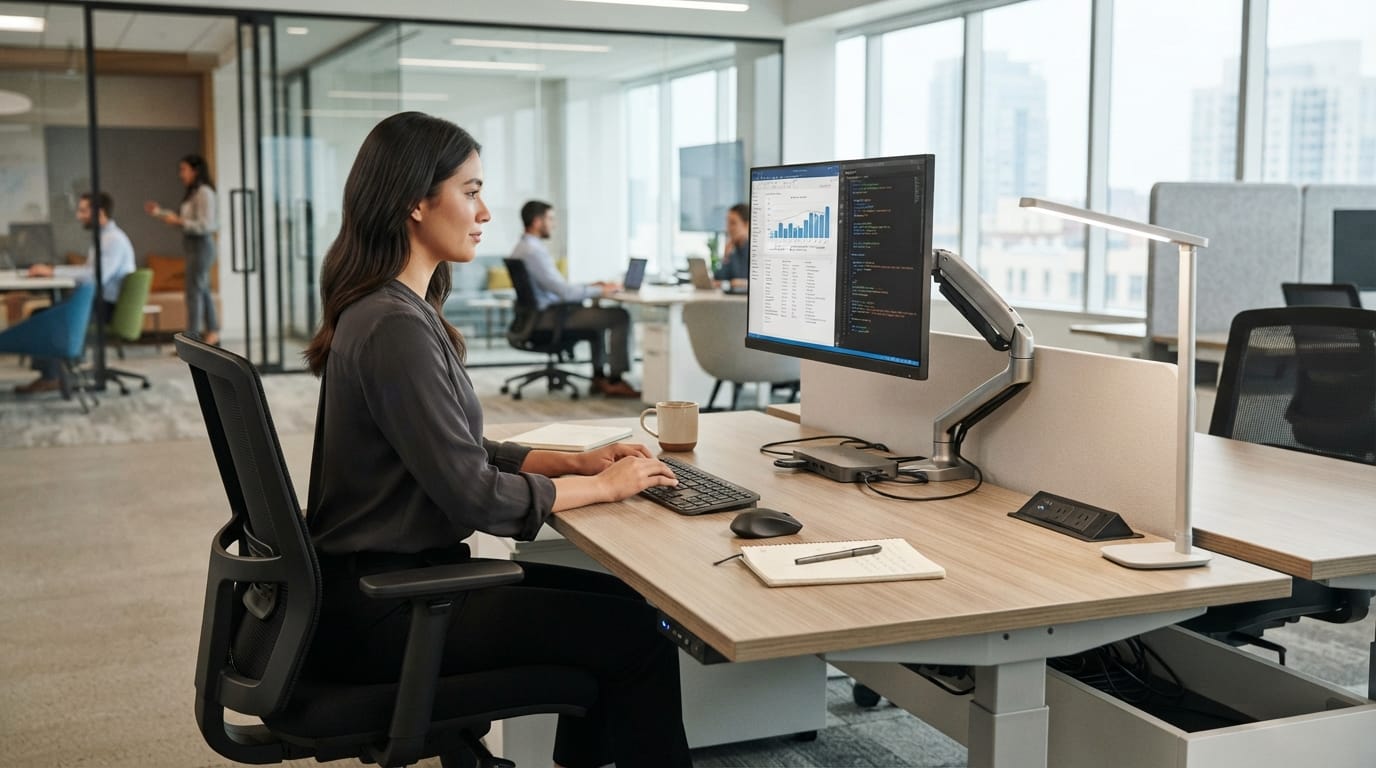
An assigned desk naturally becomes personalized over time. Employees remember their chair settings. The monitor stays at the right height. Headphones, notebooks, chargers, and other tools remain nearby.
Hot desking removes that automatic familiarity.
Employees may arrive at a different workstation each day. If every desk uses a different chair, monitor, cable arrangement, or docking setup, the first part of the morning becomes setup time.
This is why personalized hot desking should focus on adjustable systems rather than permanent personal décor.
Your existing guide to desk hoteling furniture in 2026 already explains why shared desks need reliable seating, storage, power, and organization. Personalization is the next layer: making those shared components adapt quickly to each user.
Adjustable Furniture Is the Foundation of Personalization
The chair should be the first place to start.
A good shared office chair should allow simple adjustments for seat height, lumbar support, arm position, and overall sitting comfort. Controls should be easy to understand without requiring an instruction manual every morning.
Height-adjustable desks can add another level of flexibility. They allow different employees to find a more suitable keyboard and elbow height while also giving users the option to change posture during the day.
Memory presets can be useful, although they become less personal when dozens of employees share the same workstation. Clear controls and fast adjustment may matter more than storing one person’s exact height.
The same principle applies to screens. Monitor arms can help workers change height, distance, tilt, and angle much faster than fixed monitor stands.
For more workstation guidance, see the site’s screen-first workstation ergonomics guide.
Personal Storage Helps Shared Offices Feel Less Temporary
Employees may give up an assigned desk, but they do not stop bringing personal equipment to work.
Most people still carry a laptop, charger, headphones, notebook, jacket, water bottle, keyboard, mouse, or other daily essentials.
Without storage, those items end up on the desk, floor, chair, or inside a backpack all day.
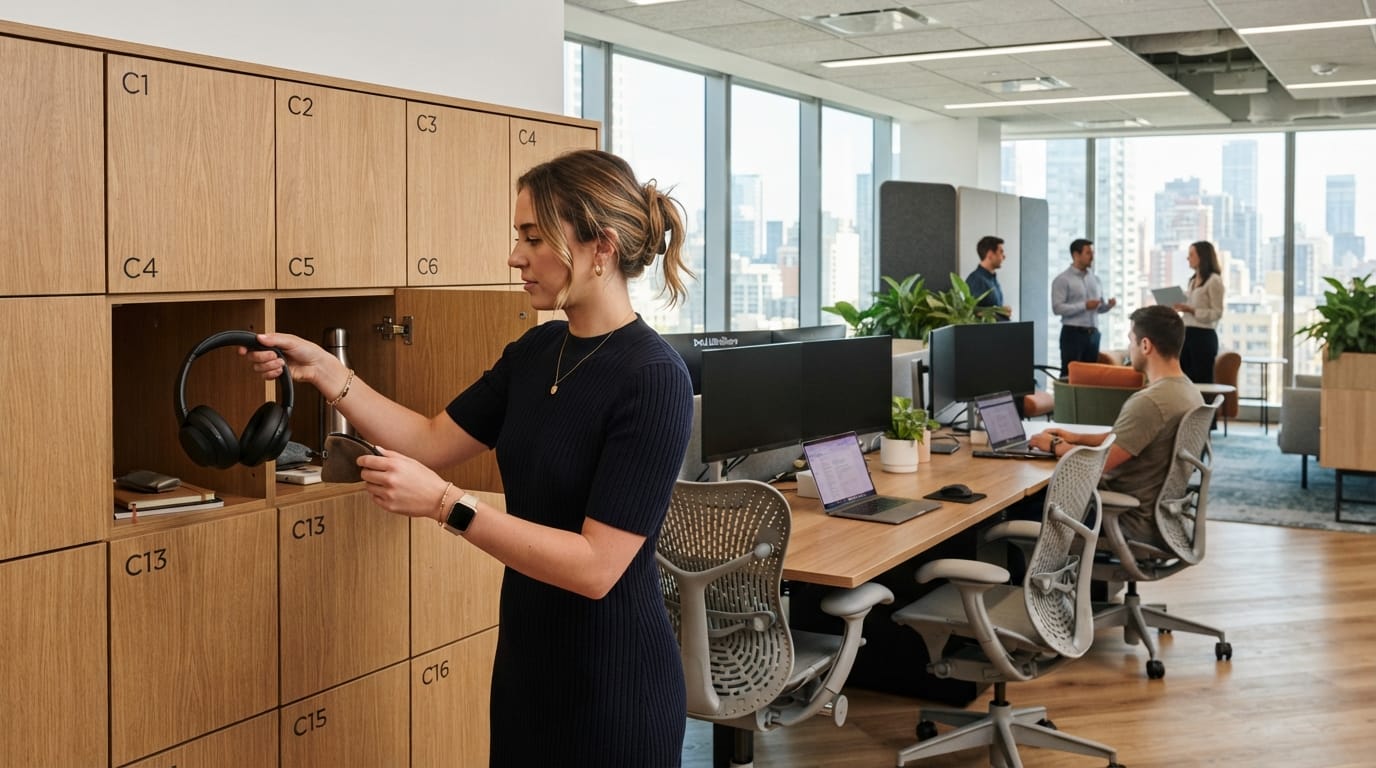
Lockers are therefore an important part of personalized hot desking. They give employees a consistent home base even when the workstation changes.
A locker can hold ergonomic accessories, personal stationery, headsets, chargers, or small items that make a workday easier. Mobile pedestals and assigned cubbies can provide similar benefits in smaller offices.
The goal is not to recreate a permanent cubicle. It is to give people enough ownership that they do not feel like visitors in their own workplace.
Technology Should Remember the Worker Even When the Desk Does Not
Furniture is only part of a shared workstation.
Most employees now arrive with a laptop and expect to connect quickly to displays, charging, internet access, cameras, microphones, and other digital tools.
If every desk uses a different combination of cables and adapters, flexibility disappears.
Standardization can solve much of this problem.
A consistent docking setup, common monitor arrangement, accessible power, and clearly routed cables make it easier for employees to move between desks without rebuilding their digital environment.
Standardized Technology Makes Personal Setup Faster
A shared workstation should ideally allow an employee to sit down, connect one cable or dock, adjust the monitor, and begin working.
That requires planning.
Use the same basic docking method across similar workstations. Keep charging ports accessible. Label unusual connections clearly. Avoid hiding essential outlets underneath the center of a desk.
Monitor arms should move easily but remain stable once positioned. External keyboards and mice should be available where laptop users are expected to work for long periods.
Some employees may prefer to bring their own keyboard or mouse. In that case, the desk should provide enough open surface area and simple connectivity to support personal peripherals.
Your guide to AI-ready workstation setups explains why modern workflows increasingly depend on multiple screens, accessories, charging, and clean cable planning.
How to Build Personalized Hot Desking Without Creating Clutter
Personalization can go too far if every shared desk becomes covered with permanent accessories.
The goal is controlled flexibility.
Users should be able to adapt the workstation while still leaving it clean and ready for someone else.
That means businesses need a basic system for what remains at the desk, what belongs in personal storage, and what employees can bring with them.
Give Employees Control Over the Things That Matter Most
Start with ergonomics.
Employees should be able to change chair height, monitor position, desk height where applicable, and the placement of common accessories.
Next, think about environmental comfort. Some people need stronger task lighting. Others prefer less visual distraction.
Adjustable task lights, movable desk screens, acoustic dividers, and several workstation locations can provide choice without changing the entire office.
Furniture does not need to offer unlimited options. It should offer useful ones.
A workplace with five different types of chairs at random desks may technically provide variety, but it creates inconsistency. A smaller number of well-chosen furniture systems usually works better.
Create a Simple Reset Standard for Every Shared Desk
The final part of personalized hot desking is making personalization reversible.
At the end of the day, the workstation should return to a neutral condition for the next employee.
Keep the process simple. Personal items return to lockers or bags. Cables stay connected to their standard locations. The desk surface remains clear. The chair does not need to return to one exact position because the next user will adjust it anyway.
Businesses should also create an easy way to report broken equipment. A monitor arm that no longer holds position or a chair with a failed adjustment mechanism can quickly make a shared desk unpopular.
Pilot the system before expanding it across the whole office. Watch where employees struggle. Ask how long setup takes and which accessories they keep bringing from home.
Those behaviors reveal what the workplace is missing.
Gensler’s 2026 research makes this especially relevant. The firm found that two-thirds of workers surveyed were making their own adjustments to compensate for workplace shortcomings. Employees in unassigned seating also reported wanting more ability to make their workspace feel like their own.
personalized hot desking
You can review the research directly through the Gensler Global Workplace Survey 2026.
That does not mean every business needs expensive smart desks or highly customized furniture.
Often, the best solutions are simpler: adjustable chairs, movable monitors, consistent docking stations, personal lockers, task lighting, good acoustic choices, and clear reset rules.
These features help employees gain control without defeating the purpose of shared space.
Good personalized hot desking should feel flexible rather than anonymous.
The employee may not own the desk, but the workstation should still adapt to their body, technology, and daily work.
When shared furniture is easy to adjust, employees spend less time fixing their setup and more time using it.
That is the real goal of flexible workspace design in 2026: not simply fitting more people into fewer desks, but making every shared workstation genuinely usable when someone arrives.